Part 4: Simulate and analyze
Extract capacitances, mode frequencies and couplings from a design with an EM solver, then build circuit models from them. See Simulation pathways for what each solver computes and how to install it.
Open-source solver first
gmsh, ElmerFEM and scikit-fem; no Ansys license needed.

Related notebooks listed elsewhere:
Simulate with Ansys
These notebooks need Ansys Electronics Desktop.
Two renderers drive Ansys: the legacy COM renderer and the pyaedt renderer. The notebooks below cover the same three tasks on each.
Task |
Legacy renderer |
pyaedt renderer |
|---|---|---|
Q3D capacitance |
4.21 |
Q3D (MultiPlanar) |
Eigenmode and EPR |
4.22 |
Eigenmode (MultiPlanar) |
Driven S, Z, Y |
4.23 |
DrivenModal (MultiPlanar) |
For impedance, 4.03 shows the recommended flow (analysis classes). 4.14 shows the advanced flow, which drives the simulator through the renderer commands.
Analysis classes
Tune a device directly
Resonator S21
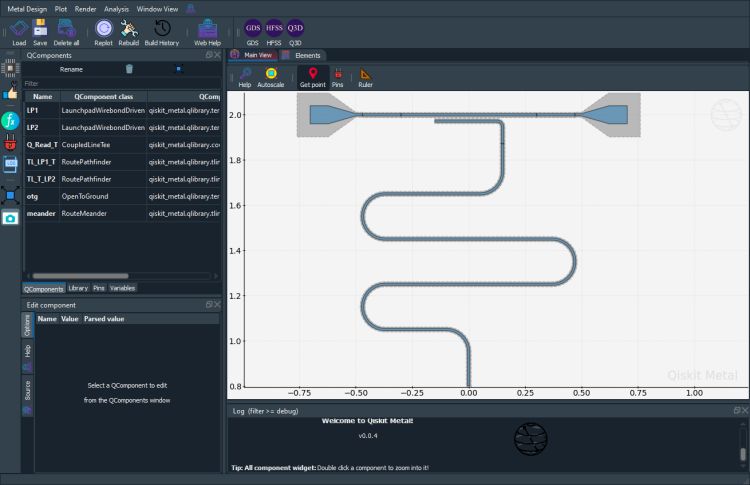
Sweeps (legacy renderer)
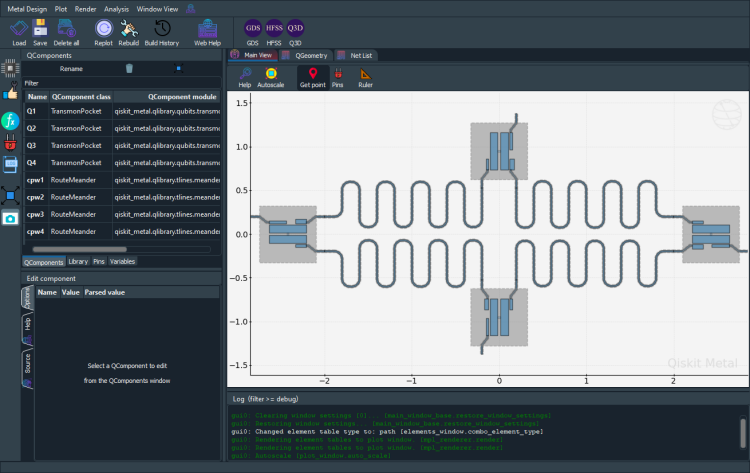
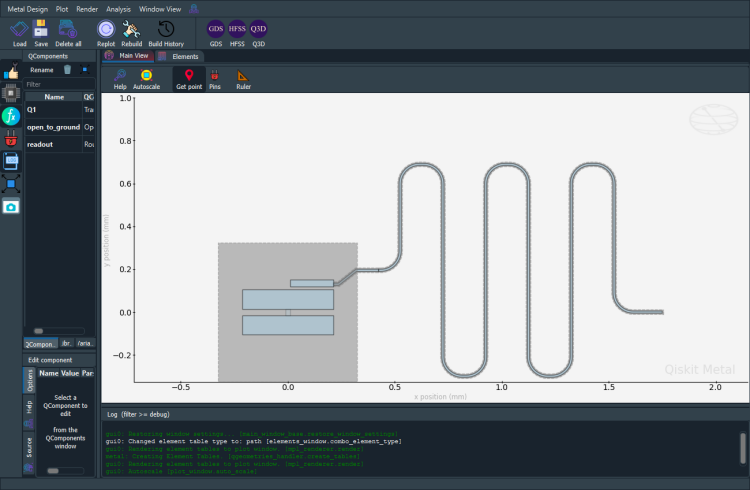
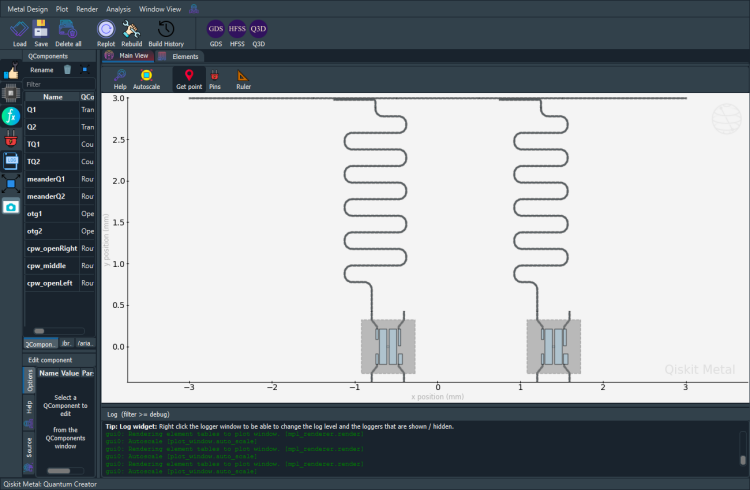
pyaedt renderer
From circuits to Hamiltonians
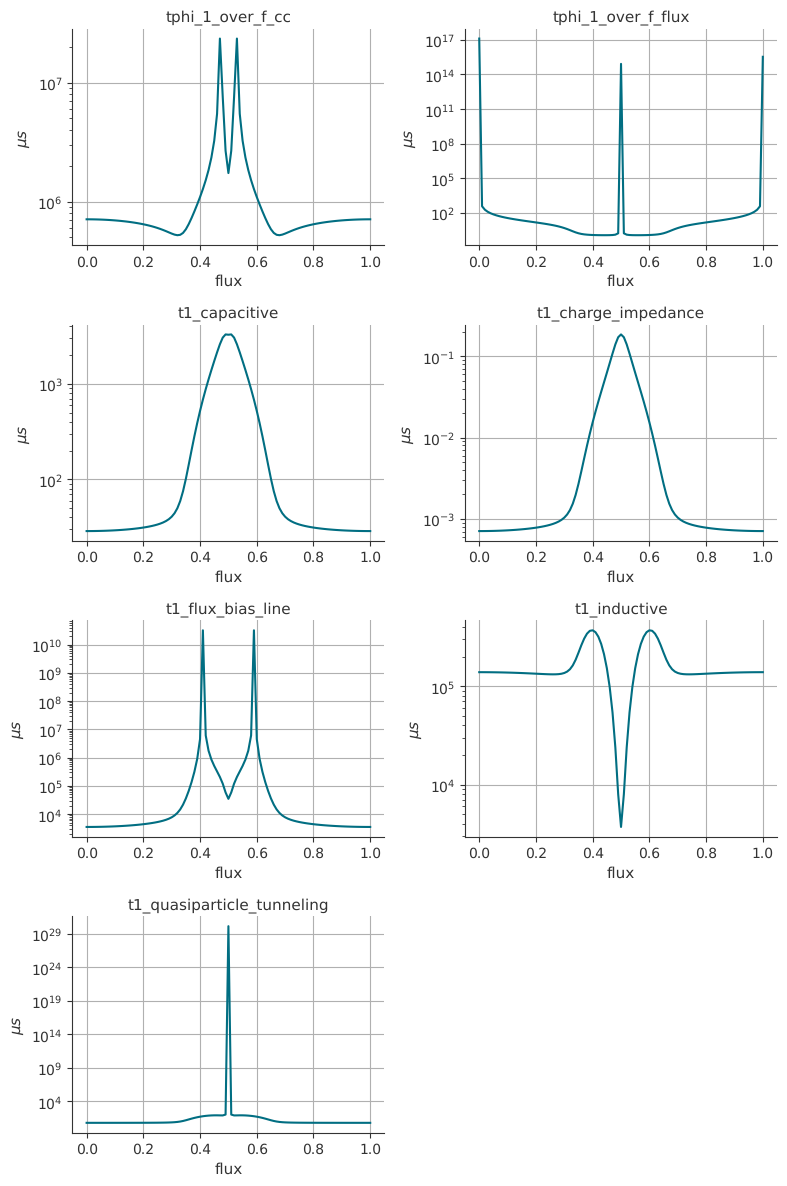
Lumped-oscillator models of a design, analytic transmon models, and circuit QED.
LOM 2.0
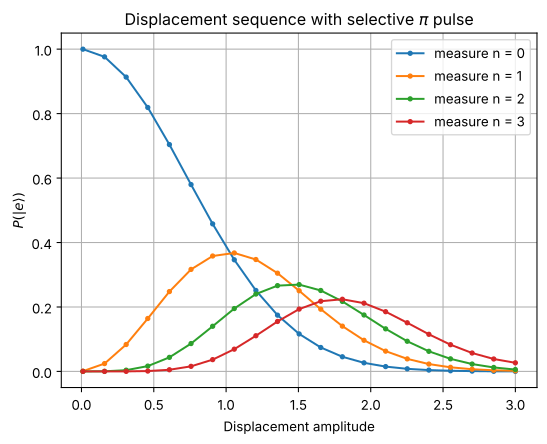
Analytic models
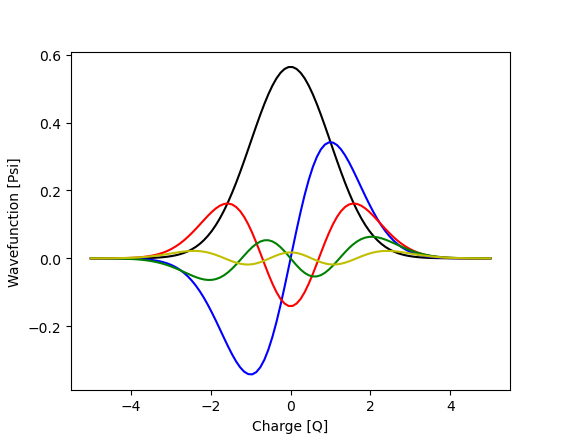
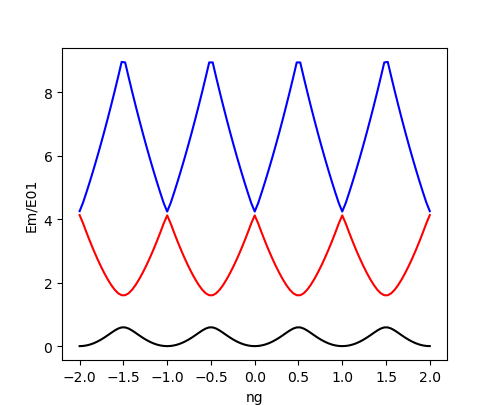
Circuit QED and gates