Contents Menu Expand Light mode Dark mode Auto light/dark, in light mode Auto light/dark, in dark mode Skip to content
Quantum Metal 0.9.0
Quantum Metal 0.9.0

Get Started

  • Quick Start
  • Installing Quantum Metal
  • Choose Your Path

Showcase & Learn

  • Research Showcase
    • 4.41 The Package Mode on Paper
    • 4.42 Four Ways to Measure a Coupling
    • 4.43 Mesh and Solve the 10 × 10 Processor
    • 4.44 Every Coupling from One Eigenmode
    • 4.45 Four Methods, One Full-Wave Model
    • 0. Setup and the compute budget
    • 1. The qubit as a source of moments
    • 2. The qubit as a source of current
    • 3. What a flat source sees
    • 4. The package mode at the chip plane
    • 5. The hierarchy of couplings
    • 6. Is the zero a blind spot? The paddles, and the exact answer
    • 7. Breaking the symmetry: the quadrupole, and the origin
    • 8. Where the magnetic coupling is not zero
    • 9. Refining the mesh: which terms converge, which zeros stay zero
    • 10. Error bars: which terms are resolved
    • 11. The hierarchy, with error bars
    • 12. What was claimed, and what the numbers say
    • What this tells you
    • Where to go next
    • References
    • 5-Qubit Xmon Processor (Barends et al., 2014)
    • Full Physical Designs of Three iSWAP Gates
    • 17-Qubit Surface-Code Chip (Wallraff group, ETH Zurich)
    • Two-Qubit Cell: Meshing Part of the 17-Qubit Chip
  • Learn
    • Part 1: First steps
      • 1.1 Quick start
      • 1.2 Bird’s eye view of Quantum Metal
      • 1.3 Build a 4-qubit chip
      • 1.4 Saving Your Chip Design
      • 1.5 Parametric Design: Iterate and Compare
    • Part 2: From components to chip
      • 2.01 QComponent lifecycle — use, copy, delete, rename
      • Managing variables
      • Managing pins
      • 2.11 Routing 101
      • 2.12 Simple Meander
      • 2.13 Hybrid Auto and AStar
      • 2.14 Get them all with MixedRoute
      • Airbridges
      • 2.21 Design a 4 qubit full chip
      • 2.23 Modify chip options
      • Design rule checking
      • 2.22 Design 100 qubits programmatically
      • Flip-Chip Devices in Quantum Metal
      • 2.31 Create a QComponent - Basic
      • 2.32 Create a QComponent - Advanced
      • 2.33 Add my QComponent to a reusable python file
    • Part 3: Render and export
      • 3.1 Introduction to QRenderers
      • 3.2 Export your design to GDS
      • 3.5 Render your design to Gmsh
      • 3.3 Render your design to Ansys
      • 3.4 How do I make my custom QRenderer?
    • Part 4: Simulate and analyze
      • 4.19 Analyse a Transmon Qubit using ElmerFEM
      • Simulate with Ansys
        • 4.01 Capacitance matrix and LOM analysis
        • 4.02 Eigenmode and EPR analysis
        • 4.03 Impedance, admittance and scattering analysis
        • 4.11 Analyzing and tuning a transmon qubit
        • 4.12 Analyzing and tuning a resonator
        • 4.13 Analyzing and tuning a transmon qubit with a resonator
        • 4.14 Analyzing a double hanger resonator (S Param)
        • 4.16 S21 simulation of a resonator
        • 4.17 S21 simulation and fitting of a resonator
        • 4.18 Eigenmode simulation with Ports
        • 4.21 Sweeps - Capacitance matrix
        • 4.22 Sweeps - Eigenmode matrix
        • 4.23 Sweeps - Impedance, scattering and admittance (Z S Y) matrices
        • Q3D Capacitance Matrix of a MultiPlanar Design with pyaedt
        • Running Eigenmode Simulations & EPR Analysis with QHFSSEigenmodePyaedt
        • HFSS Driven Modal Simulation of a MultiPlanar Design with pyaedt
      • From circuits to Hamiltonians
        • 4.04 New LOM and Fluxonium Example
        • 4.05 New LOM and Two Coupled Transmon Example
        • 4.05 New LOM and Two Coupled Transmon Example with sequence
        • 4.15 CPW Kappa Calculation
        • 4.31 Plotting Wavefunctions of the Quantum Harmonic Oscillator (LC Circuit)
        • 4.32 Transmon Analytics: Plotting Eigenvalues as a Function of Offset Charge
        • 4.34 Modeling transmon qubit Cooper-pair box Hamiltonian in the charge basis
        • Circuit Quantum Electrodynamics (cQED) and the Jaynes-Cummings Interaction Model Using the HCPB Class and QuTip
        • The Cross Resonance (CR) Gate
  • Examples
    • Component Gallery
    • Component examples
      • Single Transmon - Grounded (xmon)
      • Single Transmon - Grounded (xmon) flux lines
      • Single Transmon - Floating
      • Single Transmon - Floating with 6 connection pads
      • Single Transmon - Floating with teeth
      • Concentric Transmon
      • Interdigitated Transmon Qubits
      • QComponent - Interdigitated transmon qubit
      • Star shaped qubit
      • Charge Line
      • Josephson Junction (Dolan)
      • Josephson Junction (Manhattan)
      • Josephson Junction QComponent Demo Notebook
      • Simple CPW Meander
      • CPW Launch Pad
      • QComponent - 3-fingers capacitor
    • Reference designs
      • A.1 Reference design — Transmon with readout resonator
      • Transmon coupled to CPW resonator
      • Readout line
      • Direct Coupler (transmon-transmon)
      • Bus Resonator Coupler (transmon-transmon)
      • Tunable Coupler (MIT)
      • A.2 Reference design — Two coupled transmons
      • A.3 Reference design — Four-qubit multiplexed readout
      • A.4 Full chip design
      • A.7 Qiskit Metal tutorial for IMS 2022

How It Works

  • Quantum Metal Workflow
  • Quantization Methods
  • Simulation Pathways
  • GUI Navigation & Shortcuts

API Reference

  • Overview
  • QDesigns
    • QDesign
    • DesignPlanar
    • MultiPlanar
    • DesignFlipChip
    • QNet
    • Components
  • QComponents
    • QComponent
    • ParsedDynamicAttributes_Component
    • BaseQubit
    • QRoute
    • QRouteLead
    • QRoutePoint
    • CircleCaterpillar
    • CircleRaster
    • NGon
    • NSquareSpiral
    • Rectangle
    • RectangleHollow
    • Cap3Interdigital
    • CapFingerInFrame
    • CapNInterdigital
    • ResonatorCoilRect
    • CoupledLineTee
    • LineTee
    • CapNInterdigitalTee
    • TunableCoupler01
    • TunableCoupler02
    • ReadoutResFC
    • ResonatorLumped
    • LaunchpadWirebond
    • LaunchpadWirebondCoupled
    • LaunchpadWirebondDriven
    • OpenToGround
    • ShortToGround
    • RouteStraight
    • RouteFramed
    • RouteMeander
    • RouteAnchors
    • RouteMixed
    • RoutePathfinder
    • PolylineCPW
    • jj_dolan
    • jj_manhattan
    • TransmonConcentric
    • TransmonConcentricType2
    • TransmonCross
    • TransmonCrossFL
    • TransmonInterdigitated
    • TransmonPocket
    • TransmonPocketCL
    • TransmonPocket6
    • TransmonPocketTeeth
    • TunableCoupler01
    • SQUID_LOOP
    • SNAIL
    • StarQubit
    • anchored_path
  • Analyses
    • QAnalysis
    • QSimulation
    • LOManalysis
    • EPRanalysis
    • LumpedElementsSim
    • EigenmodeSim
    • ScatteringImpedanceSim
    • Hcpb
    • Hcpb_analytic
    • HO_wavefunctions
    • transmon_analytics
    • cpw_calculations
    • kappa_calculation
    • lumped_capacitive
    • Sweeper
  • QRenderers
    • QRenderer
    • QRendererGui
    • QRendererAnalysis
    • PlotCanvas
    • MplInteraction
    • ZoomOnWheel
    • PanAndZoom
    • QMplRenderer
    • AnimatedText
    • QGDSRenderer
    • Cheesing
    • QAnsysRenderer
    • QHFSSRenderer
    • QQ3DRenderer
    • QPyaedt
    • QQ3DPyaedt
    • QHFSSPyaedt
    • QHFSSDrivenmodalPyaedt
    • QHFSSEigenmodePyaedt
    • QGmshRenderer
    • Vec3DArray
  • Toolbox
    • QiskitMetalExceptions
    • QiskitMetalDesignError
    • about
    • import_export
    • math_and_overrides
    • parsing
    • layer_stack_handler
    • bounds_for_path_and_poly_tables
    • determine_larger_box
  • QGeometry
    • QGeometryTables
  • GUI
    • MetalGUI

Project

  • Roadmap
  • Frequently Asked Questions
  • Migrating to v0.7.0 (lite-by-default install)
  • v0.7.2 follow-on: prefer qm.gui(design) over MetalGUI(design)
  • Archived Notebooks
    • Demo Notebook Demonstrating How to Test for Component/CPW Overlap
    • 4.33 Transmon Analytics
    • A.5 Launch video example
    • A.6 Hackathon exercise — South Korea 2020
    • Four Qubit Chip Design
    • Single Transmon - Floating with charge lines
    • Opening the documentation

Community & Contributing

  • Built on / with Quantum Metal
  • Videos & Education
  • Contributor Guide
  • Architecture
  • Using Quantum Metal without Qt
  • Code of Conduct
Back to top
View this page

QComponent Gallery

Every component shipped with Quantum Metal at a glance — click a card to jump to its API reference. The same thumbnails ship inside the desktop MetalGUI Library pane and the headless preview, regenerated from source by _dev/generate_qlibrary_thumbnails.py.

Note

Adding a new QComponent? Run uv run python _dev/generate_qlibrary_thumbnails.py    --write --inject-docstrings and then uv run python _dev/generate_qcomponent_gallery.py --write to refresh this page.

Cards with an Example or Tutorial link point to a notebook that uses the component. All component notebooks are listed under Component examples.

🧬 Qubits

Josephson Junction Dolan

Dolan-bridge Josephson junction.

jj_dolan

Example | Tutorial

jj_dolan
Josephson Junction Manhattan

Manhattan-style Josephson junction.

jj_manhattan
Example | Tutorial

jj_manhattan
SNAIL (Superconducting Nonlinear Asymmetric Inductive eLement)

A SNAIL (Superconducting Nonlinear Asymmetric Inductive eLement).

SNAIL

SNAIL
Squid Loop
Squid Loop

This creates a simple SQUID loop consisting of two Josephson

SQUID_LOOP
SQUID_LOOP
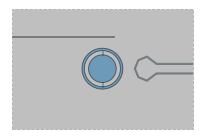
Star Qubit
Star Qubit

A single configurable circle with multiple pads.

StarQubit
Example

StarQubit
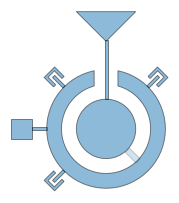
Transmon Concentric
Transmon Concentric

Metal transmon object consisting of a circle surrounding by a concentric

TransmonConcentric
Example

TransmonConcentric
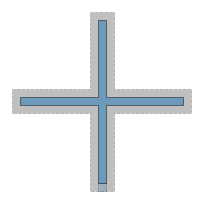
Transmon Concentric Type 2

Metal transmon object consisting of a circle surrounding by a concentric

TransmonConcentricType2
TransmonConcentricType2
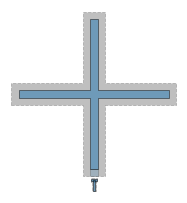
Transmon Cross
Transmon Cross

Simple Metal Transmon Cross object. Creates the X cross-shaped island,

TransmonCross
Example

TransmonCross
Transmon Cross Flux Line

Description

TransmonCrossFL

Example

TransmonCrossFL
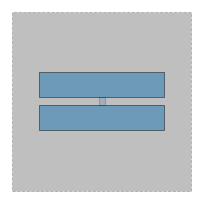
Transmon Interdigitated

This creates a transmon pocket with two large pads connected by a Josephson

TransmonInterdigitated
Example | Tutorial

TransmonInterdigitated
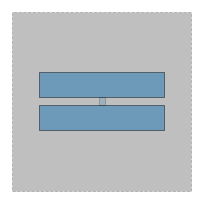
Transmon Pocket
Transmon Pocket

Create a standard pocket transmon qubit for a ground plane,

TransmonPocket
Example

TransmonPocket
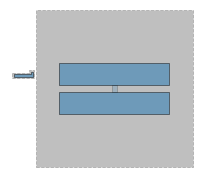
Transmon Pocket 6
Transmon Pocket 6

Transmon pocket with 6 connection pads.

TransmonPocket6
Example

TransmonPocket6
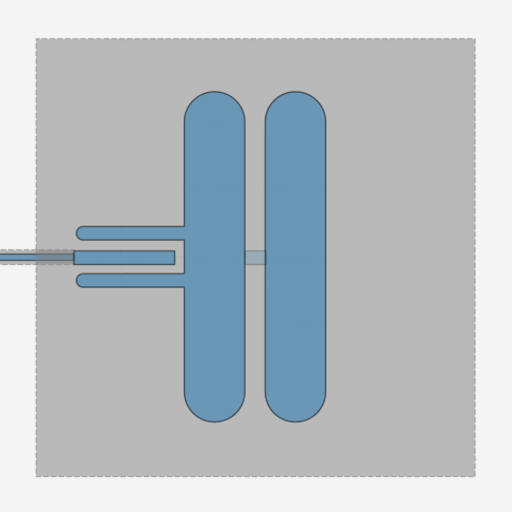
Transmon Pocket Charge Line

Create a standard pocket transmon qubit for a ground plane,

TransmonPocketCL
Example

TransmonPocketCL
Transmon Pocket Teeth

Transmon pocket with ‘Teeth’ connection pads.

TransmonPocketTeeth
Example

TransmonPocketTeeth
Transmon Star
Transmon Star

A transmon island with num_points radial arms evenly spaced around

TransmonStar

QLibrary (qiskit_metal.qlibrary)

🔗 Couplers

Cap N Interdigital Tee

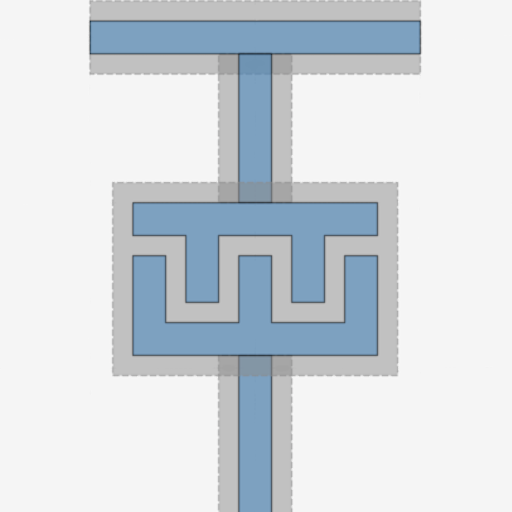
Generates a three pin (+) structure comprised of a primary two pin CPW

CapNInterdigitalTee
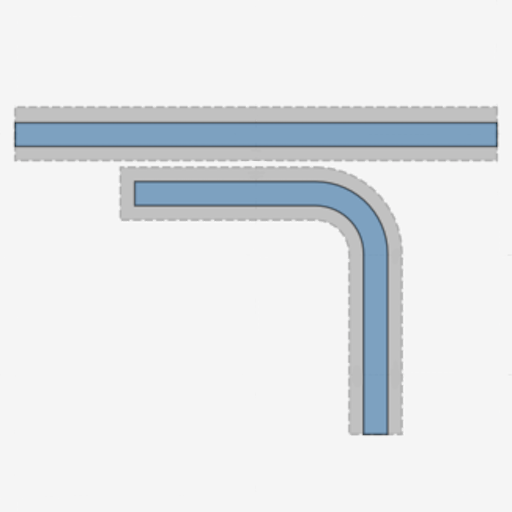
CapNInterdigitalTee
Coupled Line Tee
Coupled Line Tee

Generates a three pin (+) structure comprised of a primary two pin CPW

CoupledLineTee
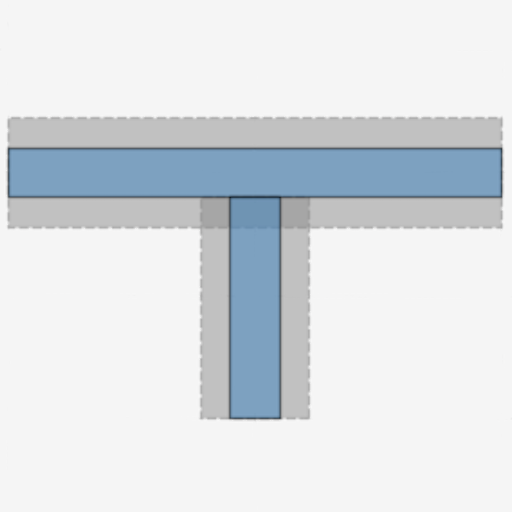
CoupledLineTee
Line Tee
Line Tee

Generates a three pin (+) structure comprised of a primary two pin CPW

LineTee
LineTee
Tunable Coupler 01
Tunable Coupler 01

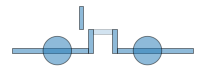
One of the tunable couplers Based off the implementation in

TunableCoupler01
TunableCoupler01
Tunable Coupler 2
Tunable Coupler 2

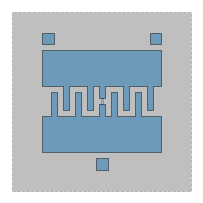
One of the tunable couplers

TunableCoupler02

TunableCoupler02

🌊 Transmission lines & routes
Airbridge
Airbridge

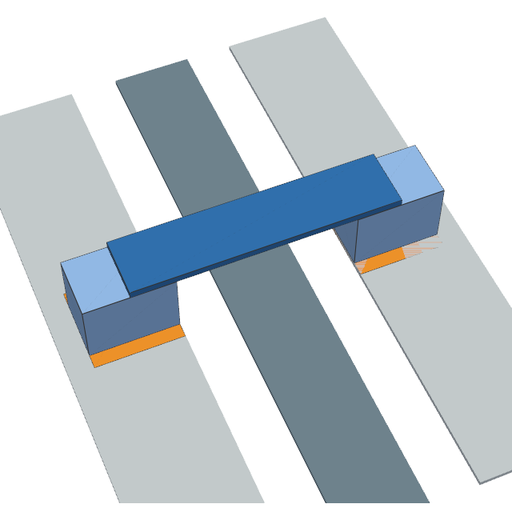
A single airbridge: two base-metal landing pads joined by an elevated

Airbridge
Tutorial

QLibrary (qiskit_metal.qlibrary)
CPW along an explicit list of points

A coplanar waveguide drawn along an explicit polyline.

PolylineCPW
PolylineCPW
RouteAnchors
RouteAnchors

Creates and connects a series of anchors through which the Route passes.

RouteAnchors

RouteAnchors
Routed Frame
Routed Frame

A non-meandered sample_shapes CPW that is auto-generated between 2 components.

RouteFramed

RouteFramed
Route Meander
Route Meander

Implements a simple CPW, with a single meander. The base

RouteMeander
Example

RouteMeander
Route Mixed
Route Mixed

Implements fully featured Routing, allowing different type of

RouteMixed

Tutorial

RouteMixed
Route Pathfinder
Route Pathfinder

Non-meandered CPW class that combines A* pathfinding algorithm with

RoutePathfinder

RoutePathfinder
Route Straight
Route Straight

Draw a straight Route connecting two pins.

RouteStraight

RouteStraight

📡 Resonators

ReadoutResFC
ReadoutResFC

Flip-chip readout resonator used in the flipchip tutorial.

ReadoutResFC
ReadoutResFC
Lumped Resonator
Lumped Resonator

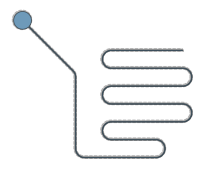
A meandered resonator inside a rectangular metal perimeter. The trace

ResonatorLumped

ResonatorLumped

🔌 Terminations

Launchpad Wirebond
Launchpad Wirebond

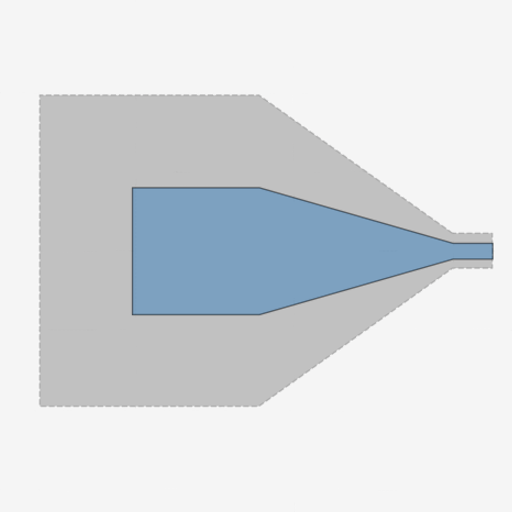
Launch pad to feed/read signals to/from the chip.

LaunchpadWirebond
LaunchpadWirebond
Launchpad Wirebond Coupled

Launch pad to feed/read signals to/from the chip.

LaunchpadWirebondCoupled
Example

LaunchpadWirebondCoupled
Launchpad Wirebond Driven

Launch pad to feed/read signals to/from the chip.

LaunchpadWirebondDriven

LaunchpadWirebondDriven
Open to Ground
Open to Ground

A sample_shapes open to ground termination. Functions as a pin for auto drawing.

OpenToGround

OpenToGround
Short to Ground
Short to Ground

A sample_shapes short to ground termination. Functions as a pin for auto CPW

ShortToGround

ShortToGround

⚡ Lumped elements

Cap 3 Interdigital
Cap 3 Interdigital

Create a three finger planar capacitor with a ground pocket cuttout.

Cap3Interdigital
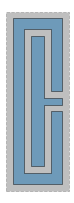
Tutorial

Cap3Interdigital
CapFingerInFrame
CapFingerInFrame

Two-pin gap capacitor with one electrode framing the other.

CapFingerInFrame
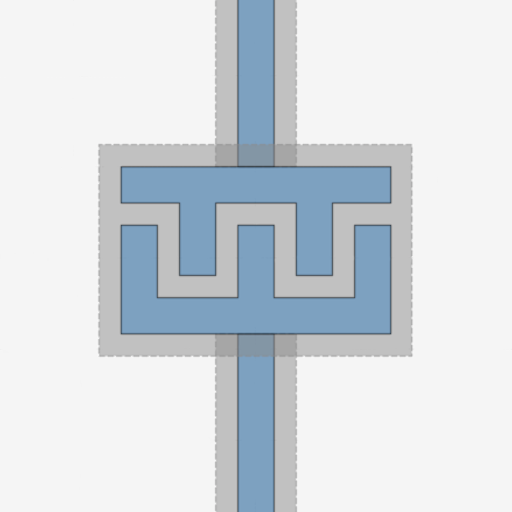
CapFingerInFrame
Cap N Interdigital
Cap N Interdigital

Generates a two pin (+) structure comprised of a north CPW transmission

CapNInterdigital
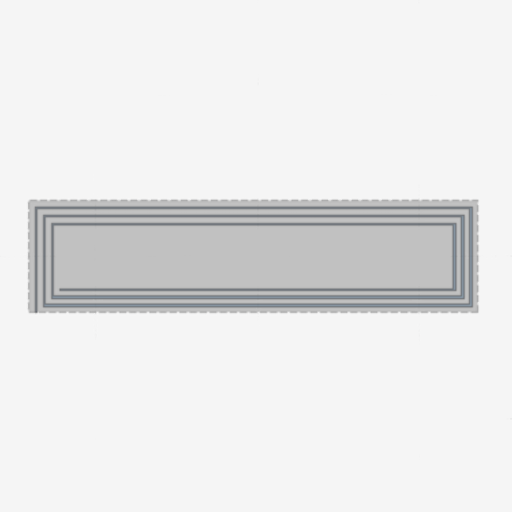
CapNInterdigital
Resonator Coil Rectangle

A rectangle spiral resonator based on length input. The X dimension is

ResonatorCoilRect

ResonatorCoilRect

🔺 Sample shapes

Circle Caterpillar
Circle Caterpillar

A single configurable circle.

CircleCaterpillar
CircleCaterpillar
Circle Raster
Circle Raster

A single configurable circle.

CircleRaster
CircleRaster
N-Gon Polygon
N-Gon Polygon

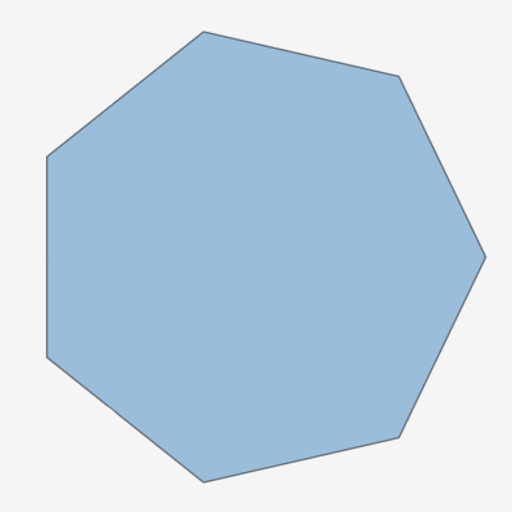
A n-gon polygon. Eg. n = 3 : triangle, n = infinity : circle

NGon
NGon
N Square Spiral
N Square Spiral

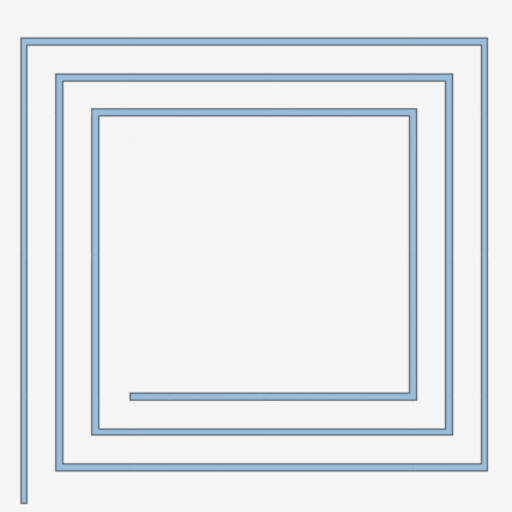
A n count square spiral.

NSquareSpiral
NSquareSpiral
Rectangle
Rectangle

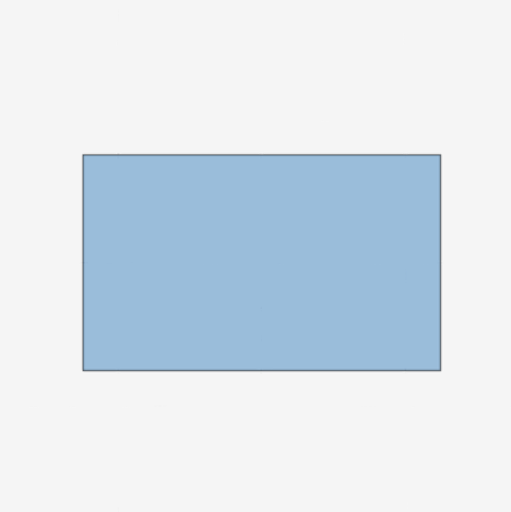
A single configurable square.

Rectangle
Rectangle
Rectangle Hollow
Rectangle Hollow

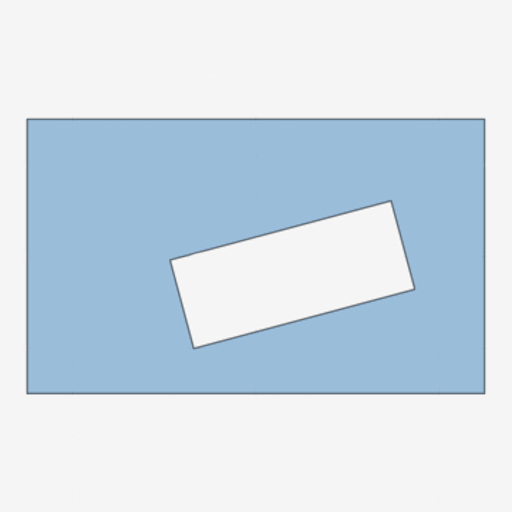
A single configurable square.

RectangleHollow

RectangleHollow
Smiley Face :)
Smiley Face :)

TEST COMPONENT It is for fun only. Can view a smiley face. Can make it

SmileyFace

QLibrary (qiskit_metal.qlibrary)
Next
Component examples
Previous
Examples
Copyright © Quantum Metal Community; 2019-2025 Qiskit Development Team
Made with Sphinx and @pradyunsg's Furo
Last updated on 2026/10/25
On this page
  • QComponent Gallery
    • 🧬 Qubits
    • 🔗 Couplers
    • 🌊 Transmission lines & routes
    • 📡 Resonators
    • 🔌 Terminations
    • ⚡ Lumped elements
    • 🔺 Sample shapes