How do I…?
Start with one of the sections below, or jump to a task further down.
Chips designed with Quantum Metal and the papers behind them.
Published chips and results rebuilt as notebooks.
The tutorial course in four parts.
Designs and components to copy.
Tasks
Each card names the call or page that does it and links to where it is explained.
Design

Browse the catalog: one entry per component with its default options and pins. The desktop GUI Library pane lists the same components.

Create it on a design:
TransmonPocket(design, "Q1", options=dict(pos_x="1mm")).

Use a route such as RouteMeander or RoutePathfinder between two
pins: pin_inputs=dict(start_pin=..., end_pin=...).

Every catalog entry lists its pins. Pins carry position, direction and width, and routes attach to them.

Change options in a loop to compare variants, or build many qubits from code.

from qiskit_metal.validation import validate; validate(design) reports
spacing, overlap and connection errors.

Subclass QComponent, give it default options and a make().
Export and view
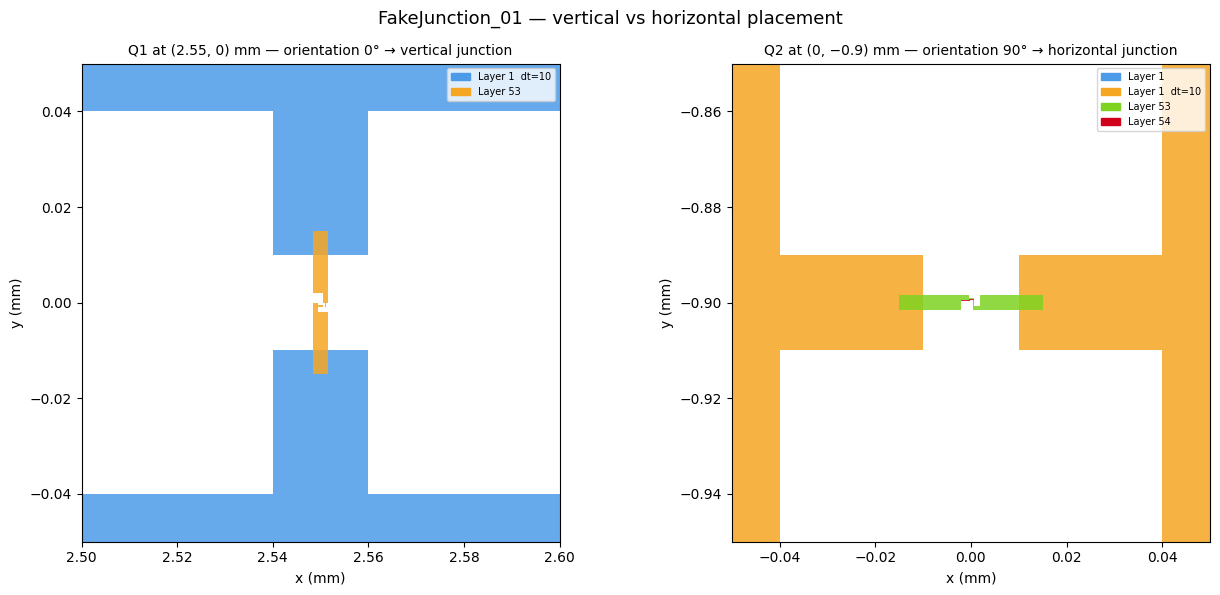
design.renderers.gds.export_to_gds("chip.gds"). The tutorial
covers cheesing (a hole pattern in the ground plane) and the fabrication
export.
Load the layer-properties file and the starter rule deck that ship with the docs.
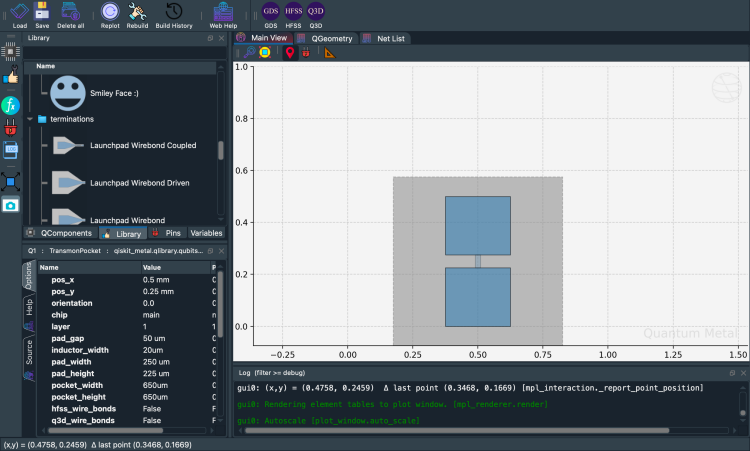
Keep a design as a file and load it back in another session.
Simulate
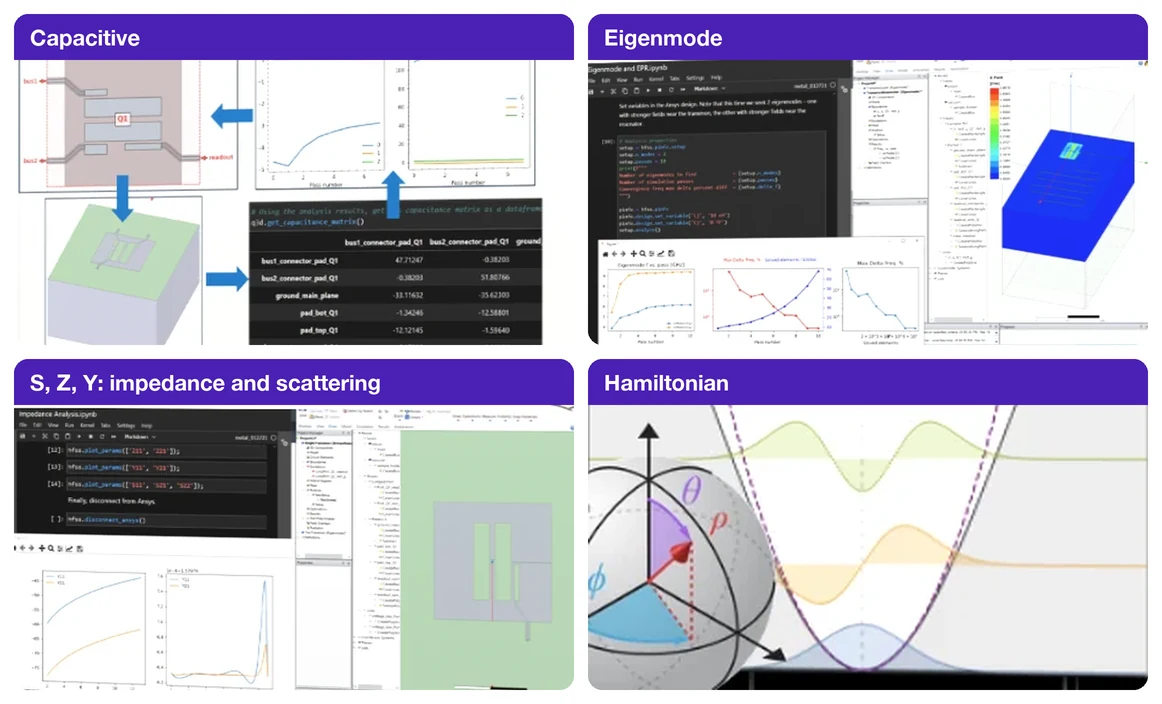
Ansys, gmsh + ElmerFEM, gmsh + scikit-fem and Palace compared by what each computes and what it needs installed.
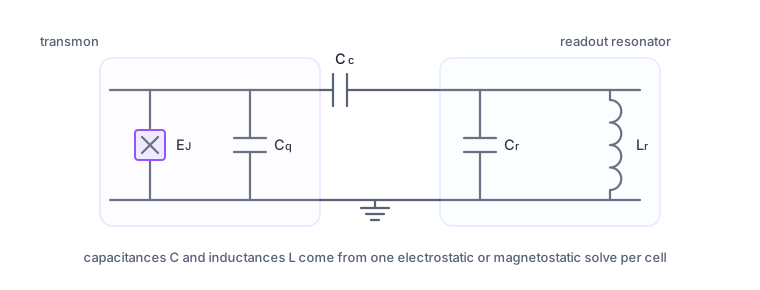
Open source with gmsh + ElmerFEM, or Ansys Q3D with the lumped oscillator model.
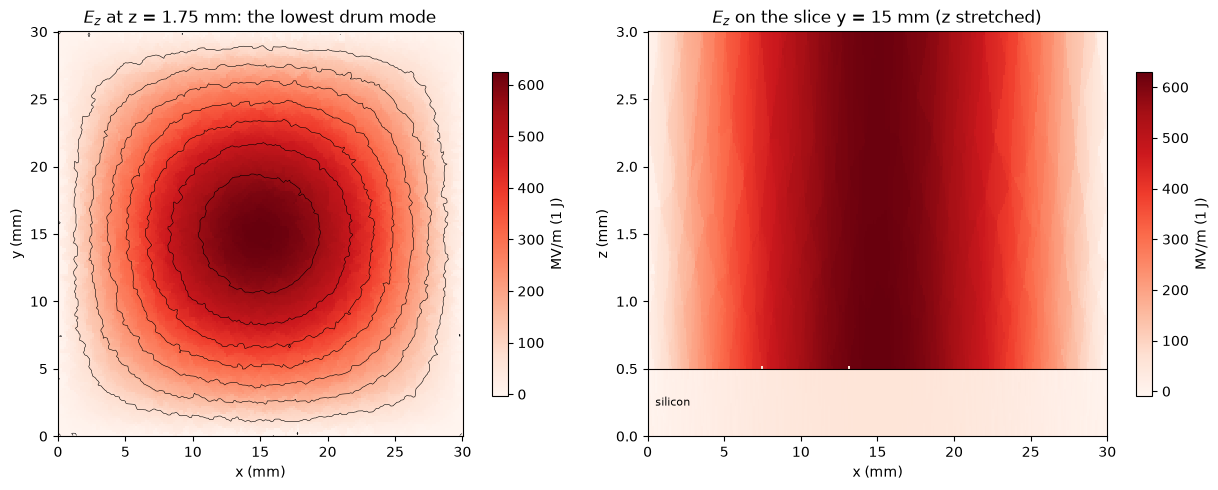
Open source with lumped junctions, or Ansys HFSS with energy-participation analysis.
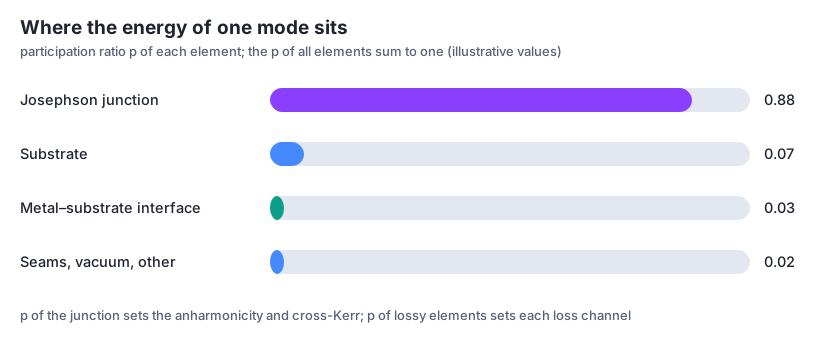
Go from a capacitance matrix or mode participations to qubit parameters.
Render the design to HFSS or Q3D, then analyze.
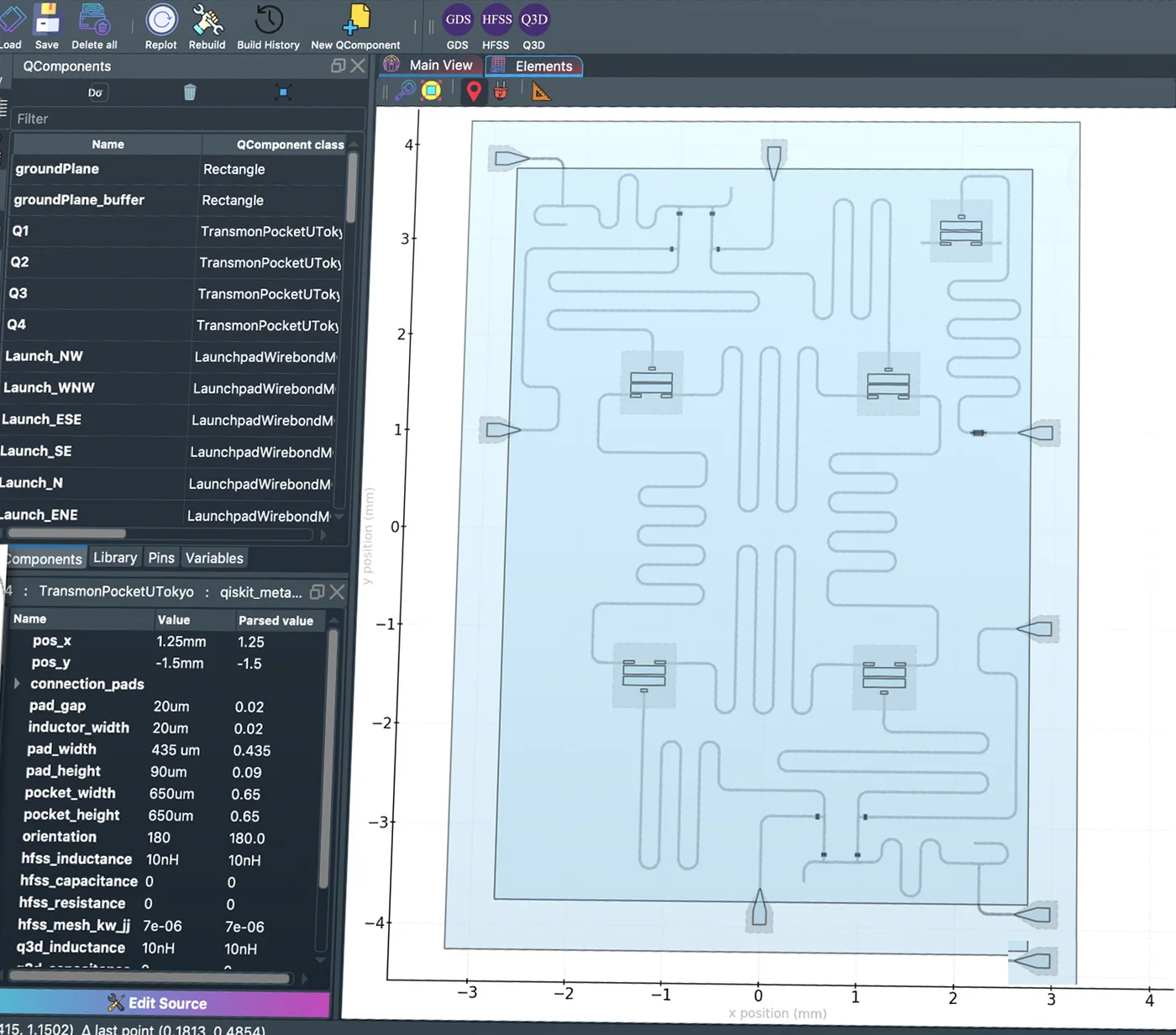
Reproduced devices and results, and layouts of small processors.
Run and automate
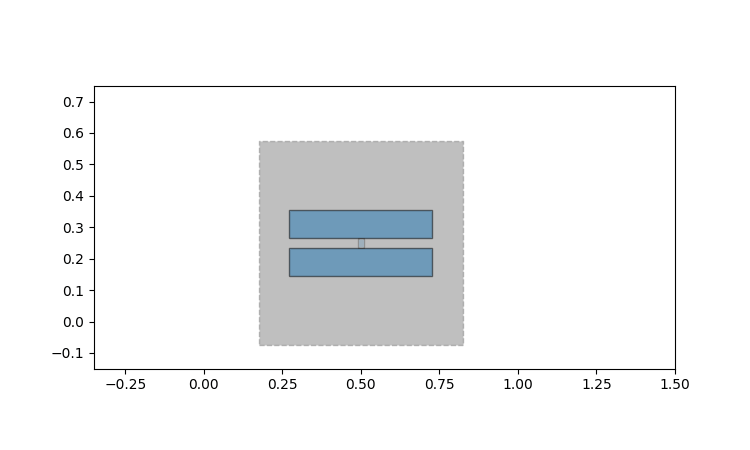
import qiskit_metal as qm; qm.view(design) draws the chip headlessly.
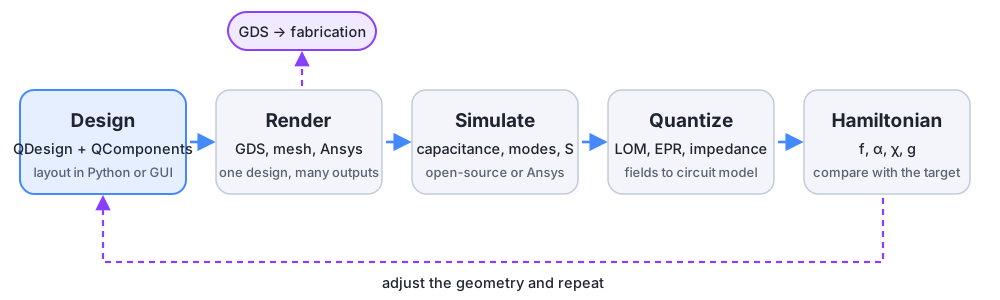
The build, check, export loop; a live preview with
python -m qiskit_metal.watch; reproducible GDS; using a coding
assistant.
pip install quantum-metal, with extras for the GUI and solvers.