Contents Menu Expand Light mode Dark mode Auto light/dark, in light mode Auto light/dark, in dark mode Skip to content
Quantum Metal 0.10.2

Get started

  • Quick start
  • Installation
  • Choose your path

Showcase and learn

  • Devices and papers
  • How do I...?
  • Reproduced devices (notebooks)
    • 4.41 The Package Mode on Paper
    • 4.42 Four Ways to Measure a Coupling
    • 4.43 Mesh and Solve the 10 × 10 Processor
    • 4.44 Every Coupling from One Eigenmode
    • 4.45 Four Methods, One Full-Wave Model
    • 4.46 Beyond the Dipole: Multipoles and Magnetic Coupling
    • 5-Qubit Xmon Processor (Barends et al., 2014)
    • Full Physical Designs of Three iSWAP Gates
    • 17-Qubit Surface-Code Chip (Wallraff group, ETH Zurich)
    • Two-Qubit Cell: Meshing Part of the 17-Qubit Chip
  • Learn
    • Part 1: First steps
      • 1.1 Quick start
      • 1.2 Bird’s eye view of Quantum Metal
      • 1.3 Build a 4-qubit chip
      • 1.4 Saving Your Chip Design
      • 1.5 Parametric Design: Iterate and Compare
    • Part 2: From components to chip
      • 2.01 QComponent lifecycle — use, copy, delete, rename
      • Managing variables
      • Managing pins
      • 2.11 Routing 101
      • 2.12 Simple Meander
      • 2.13 Hybrid Auto and AStar
      • 2.14 Get them all with MixedRoute
      • Airbridges
      • 2.21 Design a 4 qubit full chip
      • 2.23 Modify chip options
      • Design rule checking
      • 2.22 Design 100 qubits programmatically
      • Flip-Chip Devices in Quantum Metal
      • 2.31 Create a QComponent - Basic
      • 2.32 Create a QComponent - Advanced
      • 2.33 Add my QComponent to a reusable python file
    • Part 3: Render and export
      • 3.1 Introduction to QRenderers
      • 3.2 Export your design to GDS
      • 3.5 Render your design to Gmsh
      • 3.3 Render your design to Ansys
      • 3.4 How do I make my custom QRenderer?
    • Part 4: Simulate and analyze
      • 4.19 Analyze a Transmon Qubit using ElmerFEM
      • 4.01 Capacitance matrix and LOM analysis
      • 4.02 Eigenmode and EPR analysis
      • 4.03 Impedance, admittance and scattering analysis
      • 4.11 Analyzing and tuning a transmon qubit
      • 4.12 Analyzing and tuning a resonator
      • 4.13 Analyzing and tuning a transmon qubit with a resonator
      • 4.14 Analyzing a double hanger resonator (S Param)
      • 4.16 S21 simulation of a resonator
      • 4.17 S21 simulation and fitting of a resonator
      • 4.18 Eigenmode simulation with Ports
      • 4.21 Sweeps - Capacitance matrix
      • 4.22 Sweeps - Eigenmode matrix
      • 4.23 Sweeps - Impedance, scattering and admittance (Z S Y) matrices
      • Q3D Capacitance Matrix of a MultiPlanar Design with pyaedt
      • Running Eigenmode Simulations & EPR Analysis with QHFSSEigenmodePyaedt
      • HFSS Driven Modal Simulation of a MultiPlanar Design with pyaedt
      • 4.04 New LOM and Fluxonium Example
      • 4.05 New LOM and Two Coupled Transmon Example
      • 4.05 New LOM and Two Coupled Transmon Example with sequence
      • 4.15 CPW Kappa Calculation
      • 4.31 Plotting Wavefunctions of the Quantum Harmonic Oscillator (LC Circuit)
      • 4.32 Transmon Analytics: Plotting Eigenvalues as a Function of Offset Charge
      • 4.34 Modeling transmon qubit Cooper-pair box Hamiltonian in the charge basis
      • Circuit Quantum Electrodynamics (cQED) and the Jaynes-Cummings Interaction Model Using the HCPB Class and QuTip
      • The Cross Resonance (CR) Gate
  • Examples
    • A.1 Reference design — Transmon with readout resonator
    • Transmon coupled to CPW resonator
    • Readout line
    • Direct Coupler (transmon-transmon)
    • Bus Resonator Coupler (transmon-transmon)
    • Tunable Coupler (MIT)
    • A.2 Reference design — Two coupled transmons
    • A.3 Reference design — Four-qubit multiplexed readout
    • Single Transmon - Grounded (xmon)
    • Single Transmon - Grounded (xmon) flux lines
    • Single Transmon - Floating
    • Single Transmon - Floating with 6 connection pads
    • Single Transmon - Floating with teeth
    • Concentric Transmon
    • Interdigitated Transmon Qubits
    • QComponent - Interdigitated transmon qubit
    • Star shaped qubit
    • Charge Line
    • Josephson Junction (Dolan)
    • Josephson Junction (Manhattan)
    • Josephson Junction QComponent Demo Notebook
    • Simple CPW Meander
    • CPW Launch Pad
    • QComponent - 3-fingers capacitor
    • A.4 Full chip design
    • A.7 Quantum Metal tutorial for IMS 2022
    • Component Gallery
      • Airbridge
      • Cap 3 Interdigital
      • CapFingerInFrame
      • Cap N Interdigital
      • Cap N Interdigital Tee
      • Circle Caterpillar
      • Circle Raster
      • Coupled Line Tee
      • Launchpad Wirebond
      • Launchpad Wirebond Coupled
      • Launchpad Wirebond Driven
      • Line Tee
      • N-Gon Polygon
      • N Square Spiral
      • Open to Ground
      • CPW along an explicit list of points
      • ReadoutResFC
      • Rectangle
      • Rectangle Hollow
      • Resonator Coil Rectangle
      • Lumped Resonator
      • RouteAnchors
      • Routed Frame
      • Route Meander
      • Route Mixed
      • Route Pathfinder
      • Route Straight
      • SNAIL (Superconducting Nonlinear Asymmetric Inductive eLement)
      • Squid Loop
      • Short to Ground
      • Smiley Face :)
      • Star Qubit
      • Transmon Concentric
      • Transmon Concentric Type 2
      • Transmon Cross
      • Transmon Cross Flux Line
      • Transmon Interdigitated
      • Transmon Pocket
      • Transmon Pocket 6
      • Transmon Pocket Charge Line
      • Transmon Pocket Teeth
      • Transmon Star
      • Tunable Coupler 01
      • Tunable Coupler 2
      • Josephson Junction Dolan
      • Josephson Junction Manhattan
  • Built on Quantum Metal

How it works

  • Quantum Metal workflow
  • Quantization methods
  • GDS in KLayout
  • Simulation pathways
  • Desktop GUI or headless
  • Scripting and agent use
  • GUI navigation and shortcuts

API reference

  • API summary
  • QDesigns
    • QDesign
    • DesignPlanar
    • MultiPlanar
    • DesignFlipChip
    • QNet
    • Components
  • QComponents
    • QComponent
    • ParsedDynamicAttributes_Component
    • BaseQubit
    • QRoute
    • QRouteLead
    • QRoutePoint
    • CircleCaterpillar
    • CircleRaster
    • NGon
    • NSquareSpiral
    • Rectangle
    • RectangleHollow
    • Cap3Interdigital
    • CapFingerInFrame
    • CapNInterdigital
    • ResonatorCoilRect
    • CoupledLineTee
    • LineTee
    • CapNInterdigitalTee
    • TunableCoupler01
    • TunableCoupler02
    • ReadoutResFC
    • ResonatorLumped
    • LaunchpadWirebond
    • LaunchpadWirebondCoupled
    • LaunchpadWirebondDriven
    • OpenToGround
    • ShortToGround
    • RouteStraight
    • RouteFramed
    • RouteMeander
    • RouteAnchors
    • RouteMixed
    • RoutePathfinder
    • PolylineCPW
    • jj_dolan
    • jj_manhattan
    • TransmonConcentric
    • TransmonConcentricType2
    • TransmonCross
    • TransmonCrossFL
    • TransmonInterdigitated
    • TransmonPocket
    • TransmonPocketCL
    • TransmonPocket6
    • TransmonPocketTeeth
    • TunableCoupler01
    • SQUID_LOOP
    • SNAIL
    • StarQubit
    • anchored_path
  • Component catalog
    • Airbridge
    • Cap 3 Interdigital
    • CapFingerInFrame
    • Cap N Interdigital
    • Cap N Interdigital Tee
    • Circle Caterpillar
    • Circle Raster
    • Coupled Line Tee
    • Launchpad Wirebond
    • Launchpad Wirebond Coupled
    • Launchpad Wirebond Driven
    • Line Tee
    • N-Gon Polygon
    • N Square Spiral
    • Open to Ground
    • CPW along an explicit list of points
    • ReadoutResFC
    • Rectangle
    • Rectangle Hollow
    • Resonator Coil Rectangle
    • Lumped Resonator
    • RouteAnchors
    • Routed Frame
    • Route Meander
    • Route Mixed
    • Route Pathfinder
    • Route Straight
    • SNAIL (Superconducting Nonlinear Asymmetric Inductive eLement)
    • Squid Loop
    • Short to Ground
    • Smiley Face :)
    • Star Qubit
    • Transmon Concentric
    • Transmon Concentric Type 2
    • Transmon Cross
    • Transmon Cross Flux Line
    • Transmon Interdigitated
    • Transmon Pocket
    • Transmon Pocket 6
    • Transmon Pocket Charge Line
    • Transmon Pocket Teeth
    • Transmon Star
    • Tunable Coupler 01
    • Tunable Coupler 2
    • Josephson Junction Dolan
    • Josephson Junction Manhattan
  • QRenderers
    • QRenderer
    • QRendererGui
    • QRendererAnalysis
    • PlotCanvas
    • MplInteraction
    • ZoomOnWheel
    • PanAndZoom
    • QMplRenderer
    • AnimatedText
    • QGDSRenderer
    • Cheesing
    • QAnsysRenderer
    • QHFSSRenderer
    • QQ3DRenderer
    • QPyaedt
    • QQ3DPyaedt
    • QHFSSPyaedt
    • QHFSSDrivenmodalPyaedt
    • QHFSSEigenmodePyaedt
    • QGmshRenderer
    • Vec3DArray
  • Analyses
    • QAnalysis
    • QSimulation
    • LOManalysis
    • EPRanalysis
    • LumpedElementsSim
    • EigenmodeSim
    • ScatteringImpedanceSim
    • Hcpb
    • Hcpb_analytic
    • HO_wavefunctions
    • transmon_analytics
    • cpw_calculations
    • kappa_calculation
    • lumped_capacitive
    • Sweeper
  • Open-source solvers
  • Toolbox
    • QiskitMetalExceptions
    • QiskitMetalDesignError
    • about
    • import_export
    • math_and_overrides
    • parsing
    • layer_stack_handler
    • bounds_for_path_and_poly_tables
    • determine_larger_box
  • QGeometry
    • QGeometryTables
  • GUI
    • MetalGUI

Project

  • Roadmap
  • Frequently asked questions

Community and contributing

  • Contributor guide
  • Architecture
  • Code of conduct
Back to top
View this page

Part 1: First steps

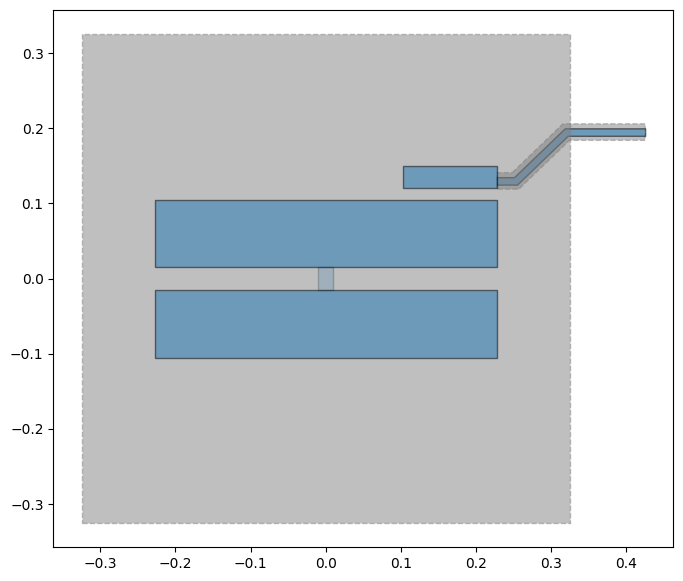
Place a component, build a four-qubit chip, save the design, and compare variants.

1.1 Quick start
1.2 Bird’s eye view of Quantum Metal
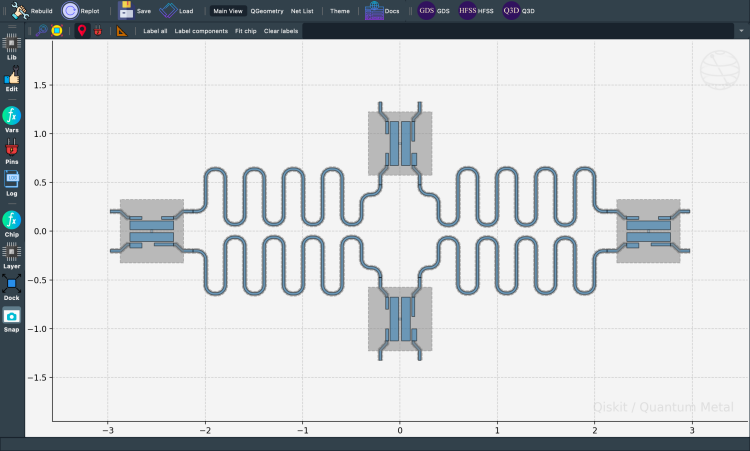
1.3 Build a 4-qubit chip
1.4 Saving Your Chip Design
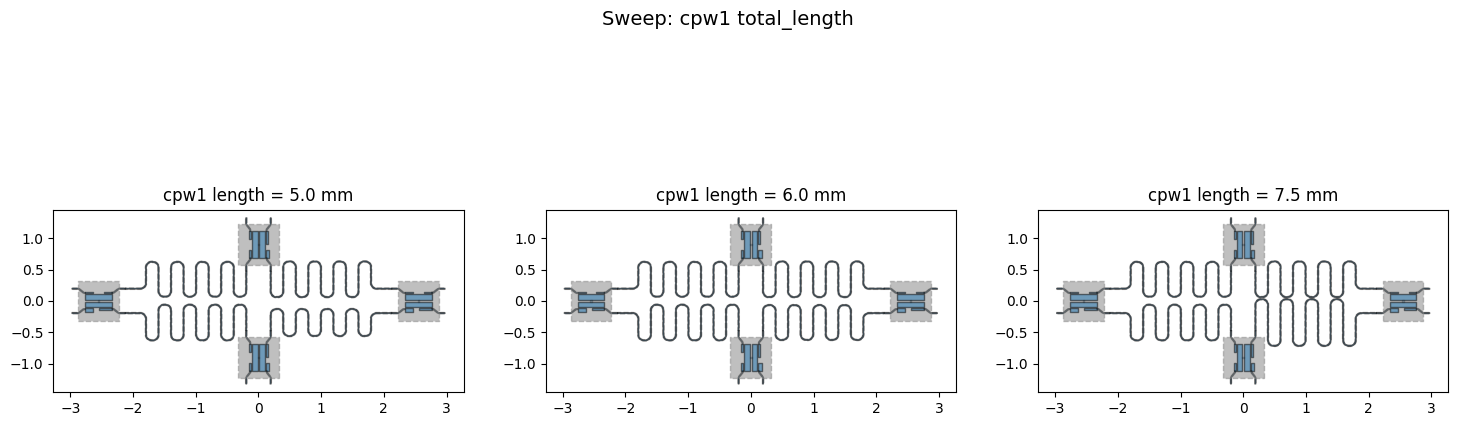
1.5 Parametric Design: Iterate and Compare
Next
1.1 Quick start
Previous
Learn
Copyright © Quantum Metal Community; 2019-2026 Qiskit Development Team
Made with Sphinx and @pradyunsg's Furo
Last updated on 2026/11/25