Choose your path
Each path is an ordered list of notebooks from different parts of the site. Every notebook in a path shows a box with its position, the previous and the next step. Start with the Quick start page, then pick the path closest to your goal. The full course is under Learn. Looking for one specific task, such as exporting GDS or routing a CPW? See How do I…?. Not sure which solver you need? See Simulation pathways.
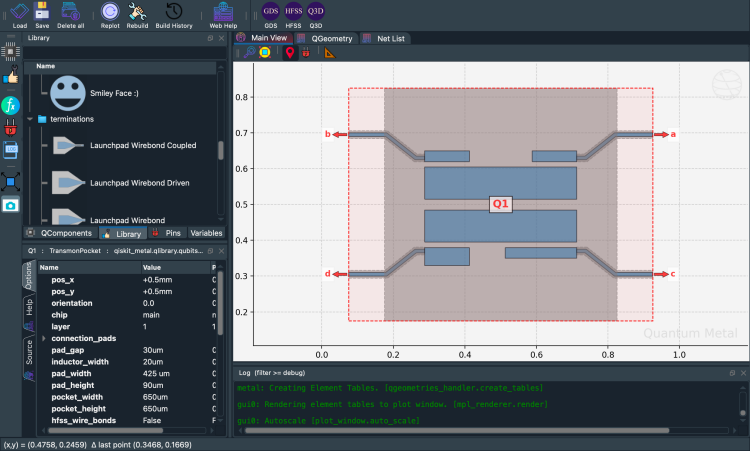
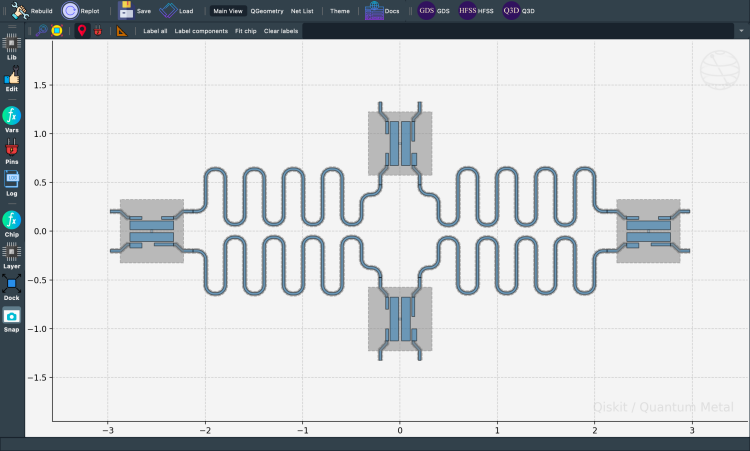
Lay out a chip and send it to a fab. Layout to GDS, no solver.
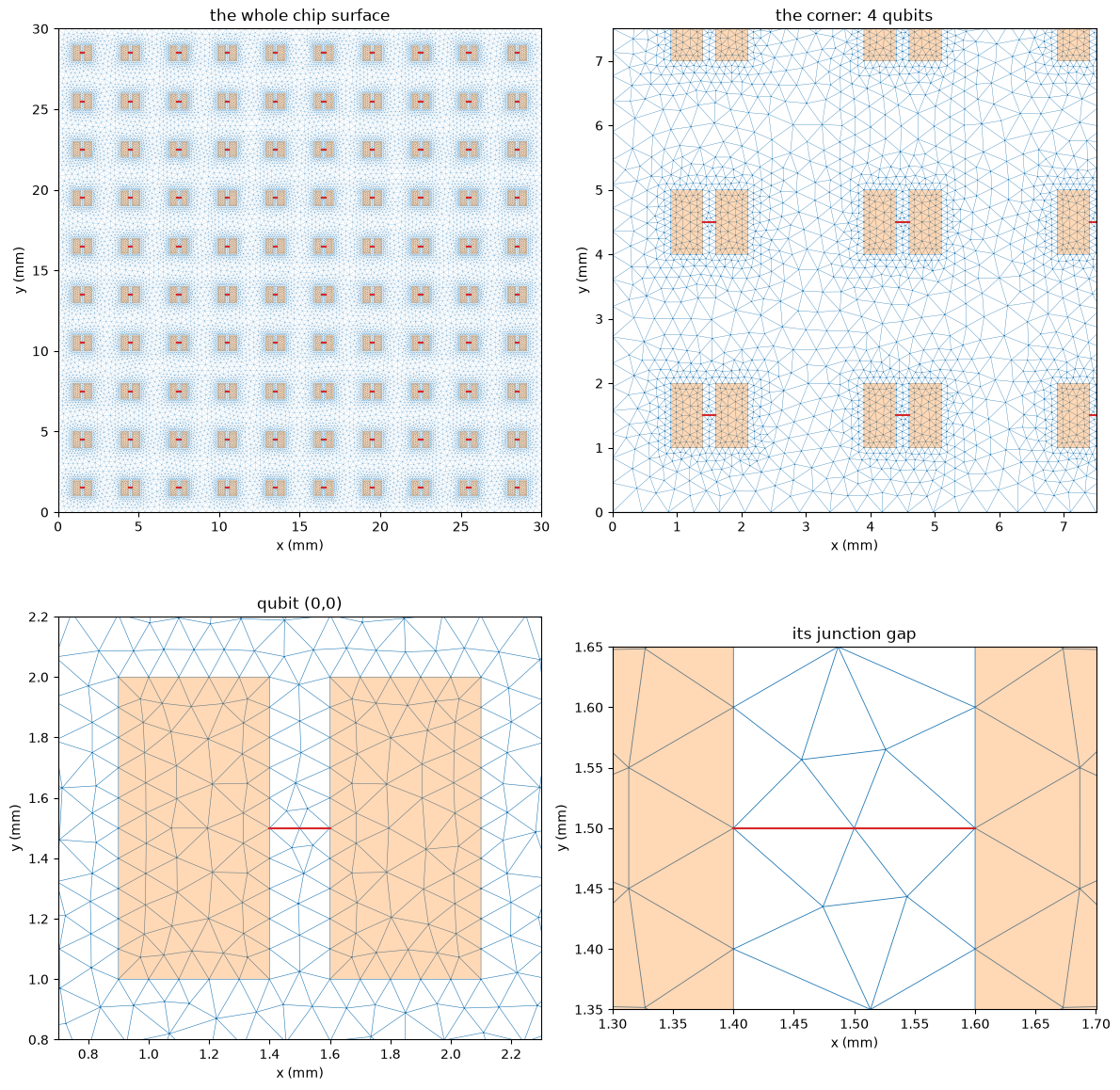
Simulate without a license. Meshing and solving with gmsh, ElmerFEM and scikit-fem.
EPR and LOM with a commercial solver. Render to Ansys, then EPR and LOM analysis.
Courses and workshops. No solver and no GUI needed.
Extend the library. Write a QComponent and a renderer.
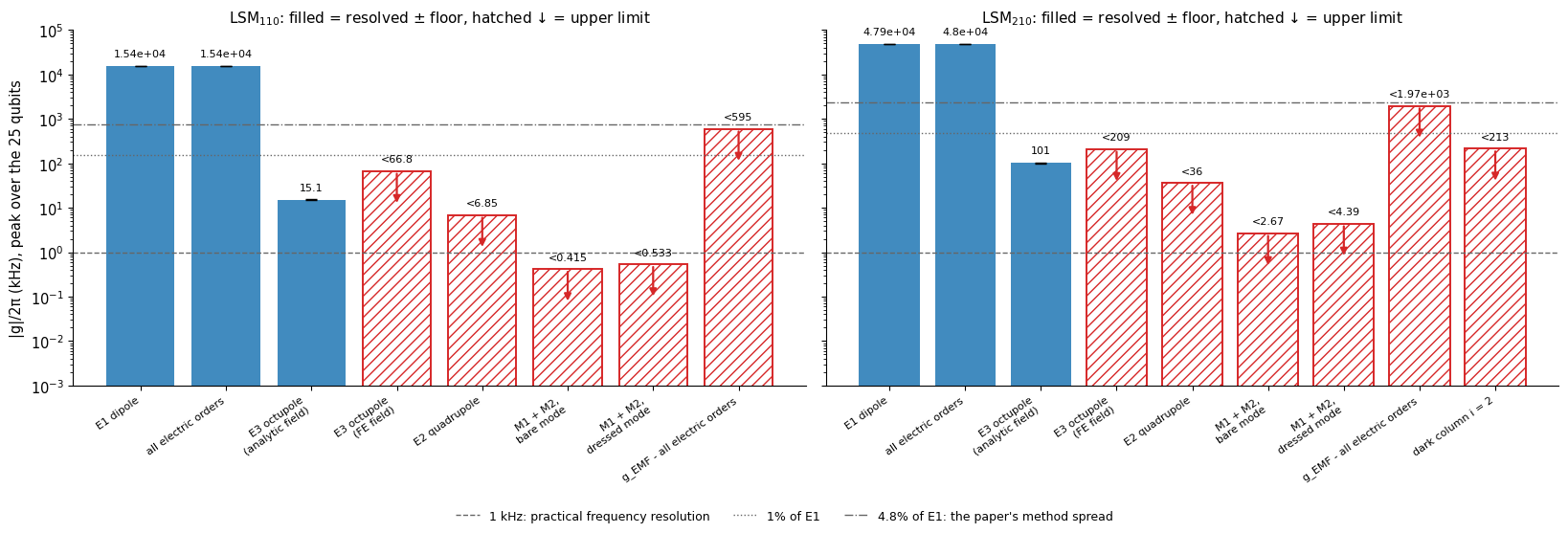
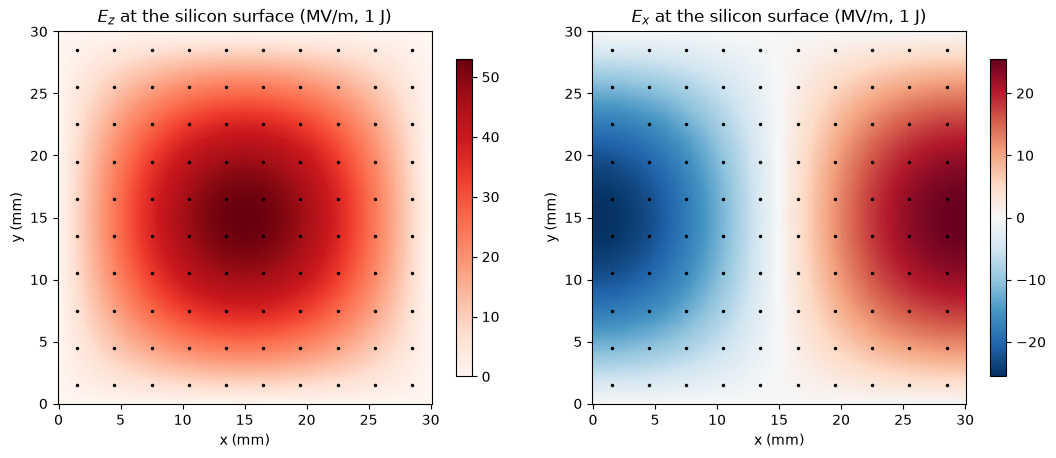
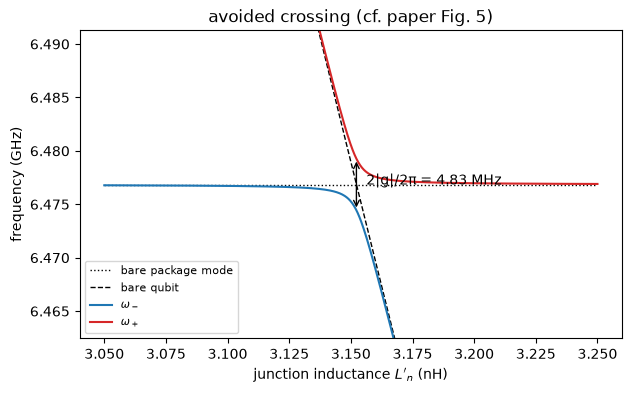
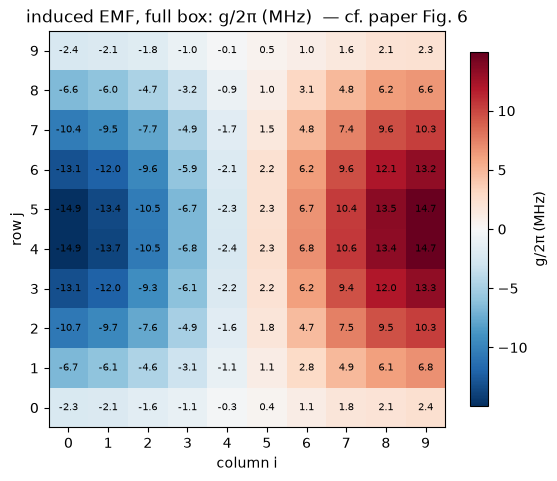
A published study, step by step. Notebooks 4.41 to 4.46, in order.
Chip designer
Layout to GDS, no solver.
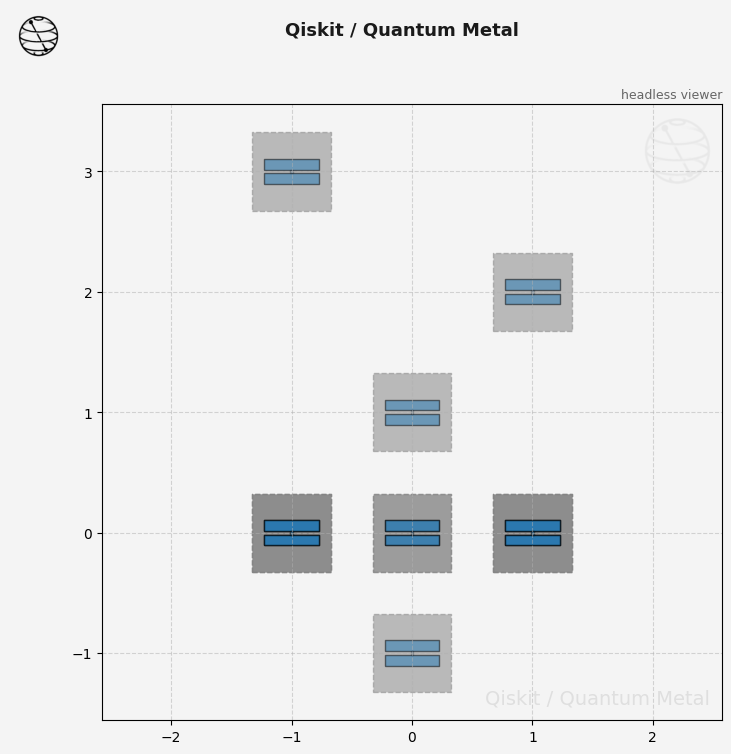
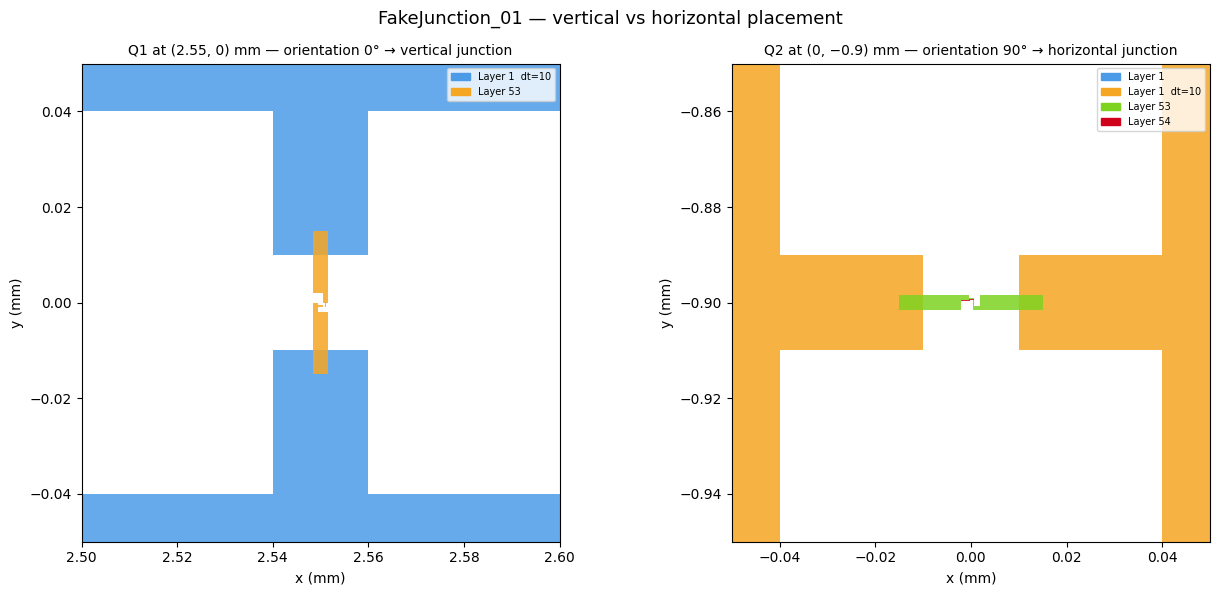
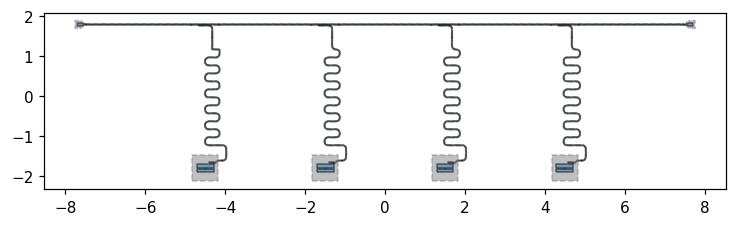
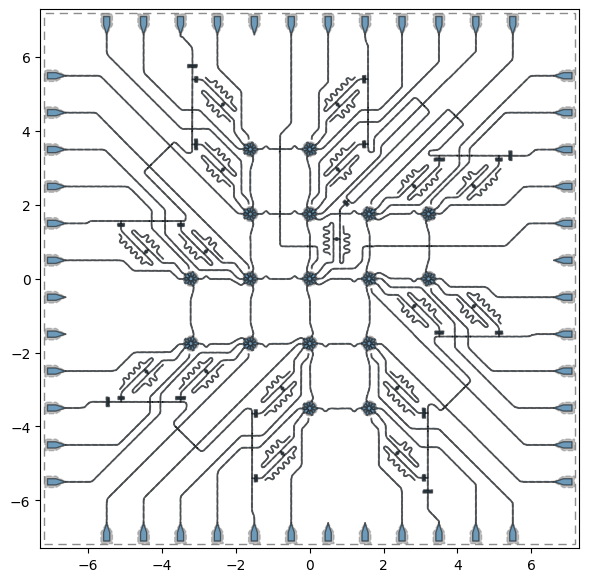
Open-source simulation
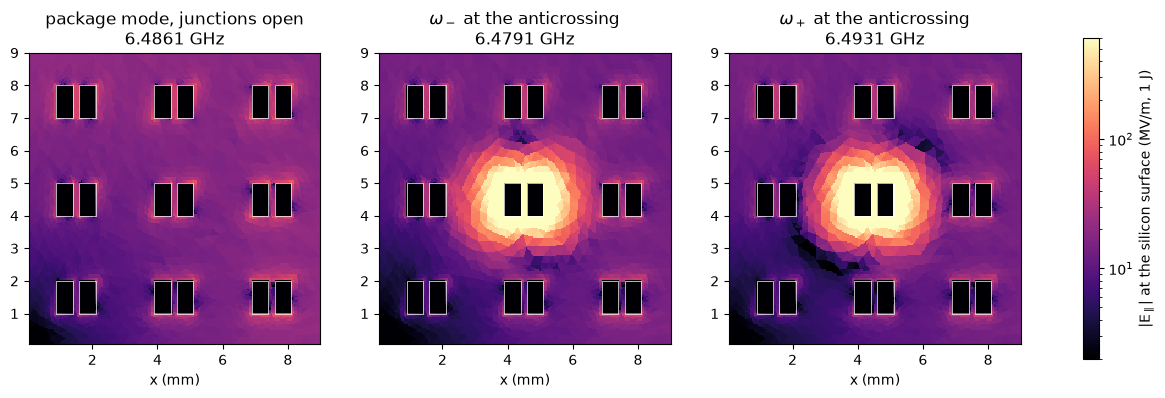
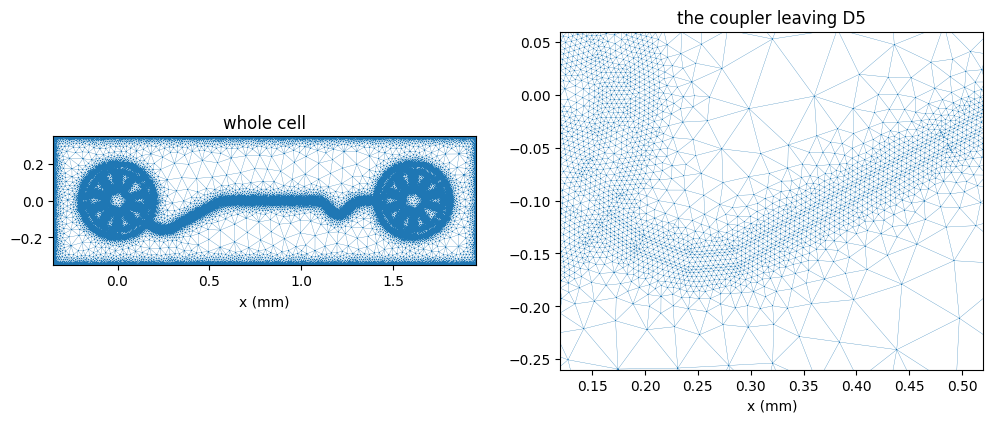
Meshing and solving with gmsh, ElmerFEM and scikit-fem.
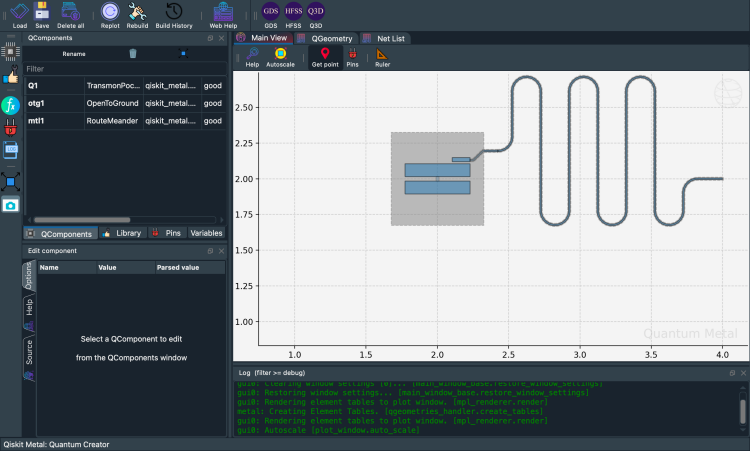

Ansys EPR and LOM analyst
Render to Ansys, then EPR and LOM analysis.
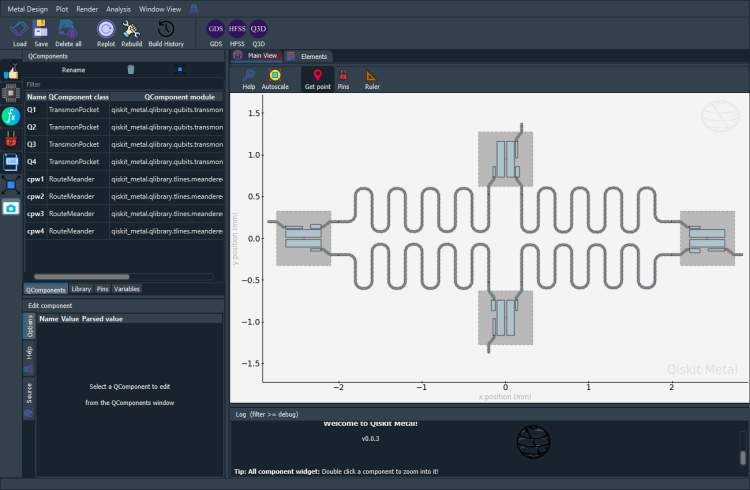
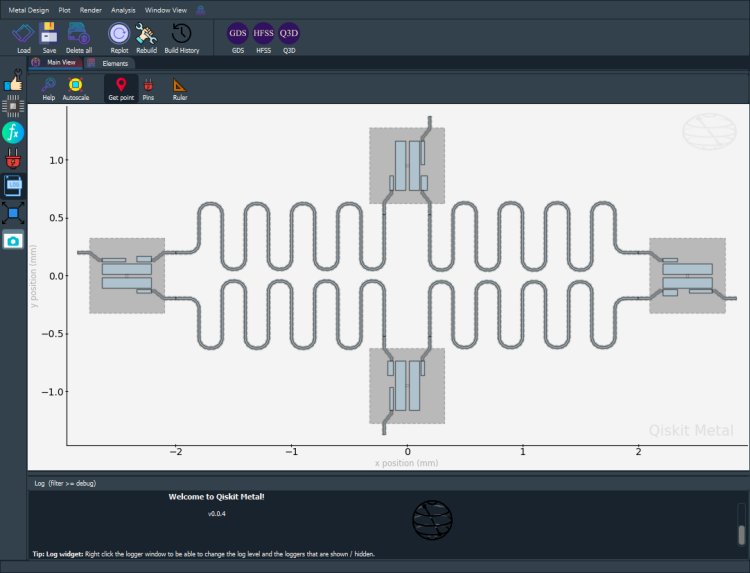
Teaching
No solver and no GUI needed.
Component developer
Write a QComponent and a renderer.
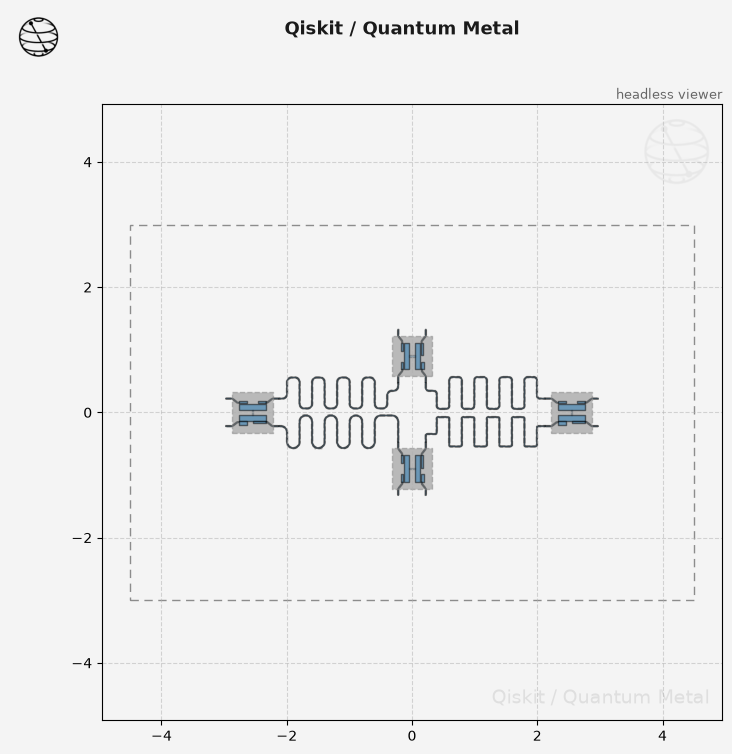
Package modes and qubit couplings (series)
Notebooks 4.41 to 4.46, in order.